stop screenshotting verification codes

on this page
// the problem
the problem
You build a signup flow. The email goes out. Now you switch to your phone, unlock it, find the right thread, read six digits, switch back, and type. Multiply by every test, every environment, every teammate.
The friction is not the code — it is the context switch. The fix is to put the inbox where the work already is.
// what changes with a throwaway inbox
what changes with a throwaway inbox
A disposable inbox lives in your browser. You spin one up in a tab, paste the address into the form, and the verification message arrives next to your terminal in real time.
- no phone unlock, no app switch, no copy/paste from a screenshot
- shareable URLs — your QA teammate sees the same inbox you do
- auto-expiring data — you don't have a permanent record of every test
// let the inbox read the code for you
let the inbox read the code for you
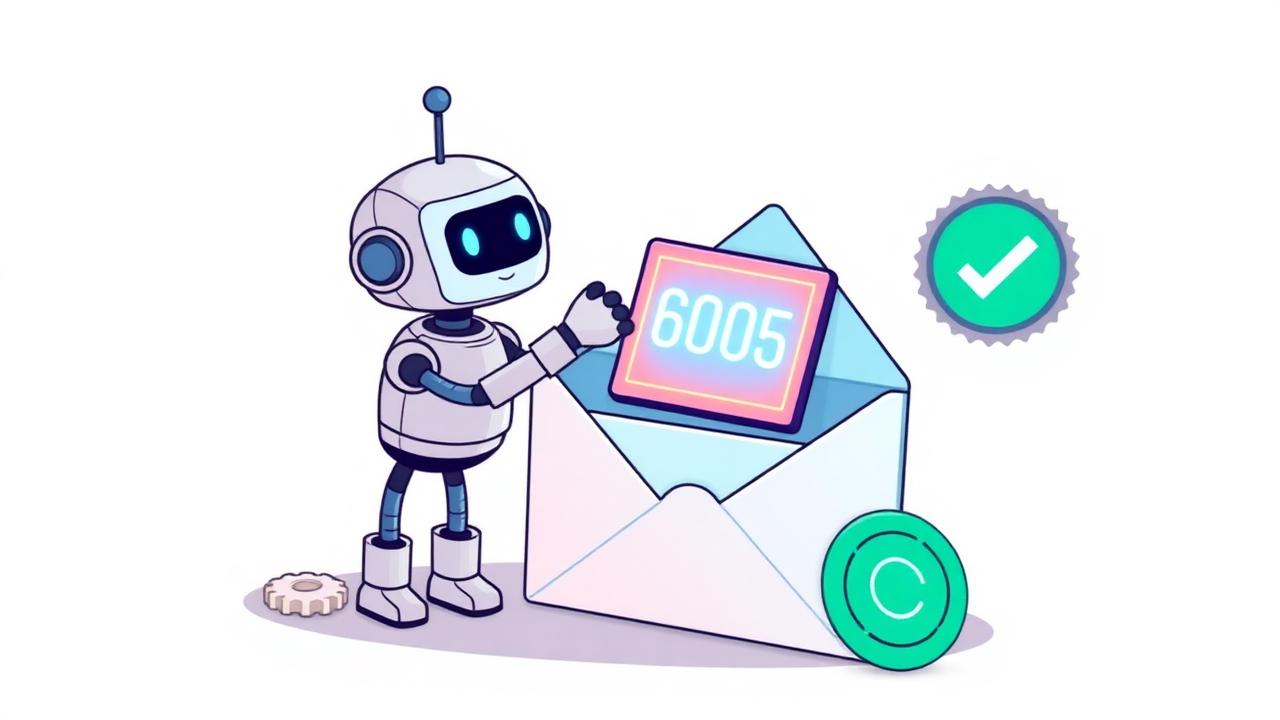
Most verification messages are formatted exactly the same way: a sentence, a number, a footer. We use a small model to pull the code out at delivery time and surface it as a single tap-to-copy chip.
"verification code: 819203" — the rest of the email is just noise.
For magic links it's the same idea: the inbox extracts the URL and lets you click straight through.
// wire it up
wire it up
If you want to script it, the REST API takes one call:
curl -X POST https://api.ephemail.io/v1/addresses \
  -H "Authorization: Bearer $EPHEMAIL_KEY"

# → { "address": "tmp.ab12cd@ephemail.io", "id": "..." }
Or skip the script entirely and just open the inbox in a tab.

Amine builds ephemail and writes about email plumbing, developer tooling, and the small annoyances of testing software.