automate otp & magic-link capture in your tests

on this page
// the takeaway
the takeaway
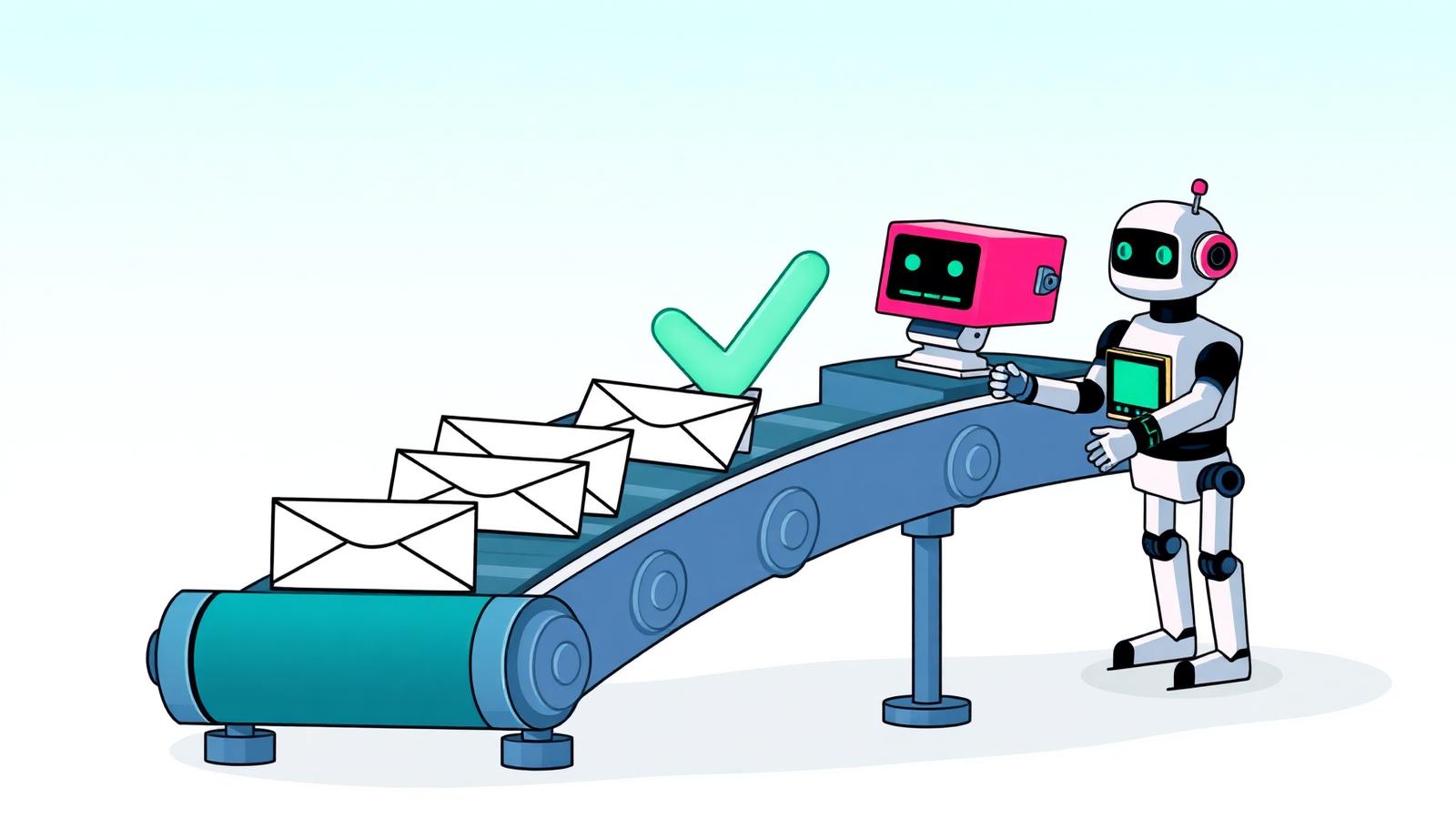
If your end-to-end tests touch a signup, login, or password-reset flow, you need a programmatic way to read the email that comes back. The reliable recipe is three pieces: a disposable address per test, a waitForMessage primitive that long-polls until the message lands, and an extractor that pulls the OTP or magic link out of the body. The extractor is where most teams reinvent the wheel — skip the regex zoo and let the inbox do it.
// why parsing email is painful
why parsing email is painful
Email looks structured until you actually try to parse it. A single "verification" message can arrive as:
- plain text with the code on its own line
- HTML with the code wrapped in a styled
<span> - multipart/alternative where the text and HTML disagree
- a quoted-printable body where
=3Dappears mid-code - a magic link with tracking params appended after the real token
Then marketing redesigns the template and your regex breaks at 2am. The real problem isn't writing the parser — it's owning it forever.
// regex vs ai extraction
regex vs ai extraction
Regex is fine for a single, stable template. A 6-digit numeric code in a transactional email you control? /\b\d6\b/ is honestly enough.
// works until someone adds a year ("© 2026") to the footer
const code = body.match(/\b\d{6}\b/)?.[0];
It stops being fine the moment any of these are true: codes can be 4–8 digits, codes can include letters, the email mixes plain and HTML parts, or you're testing against a third-party (Stripe, Auth0, your own identity provider) whose template you don't control.
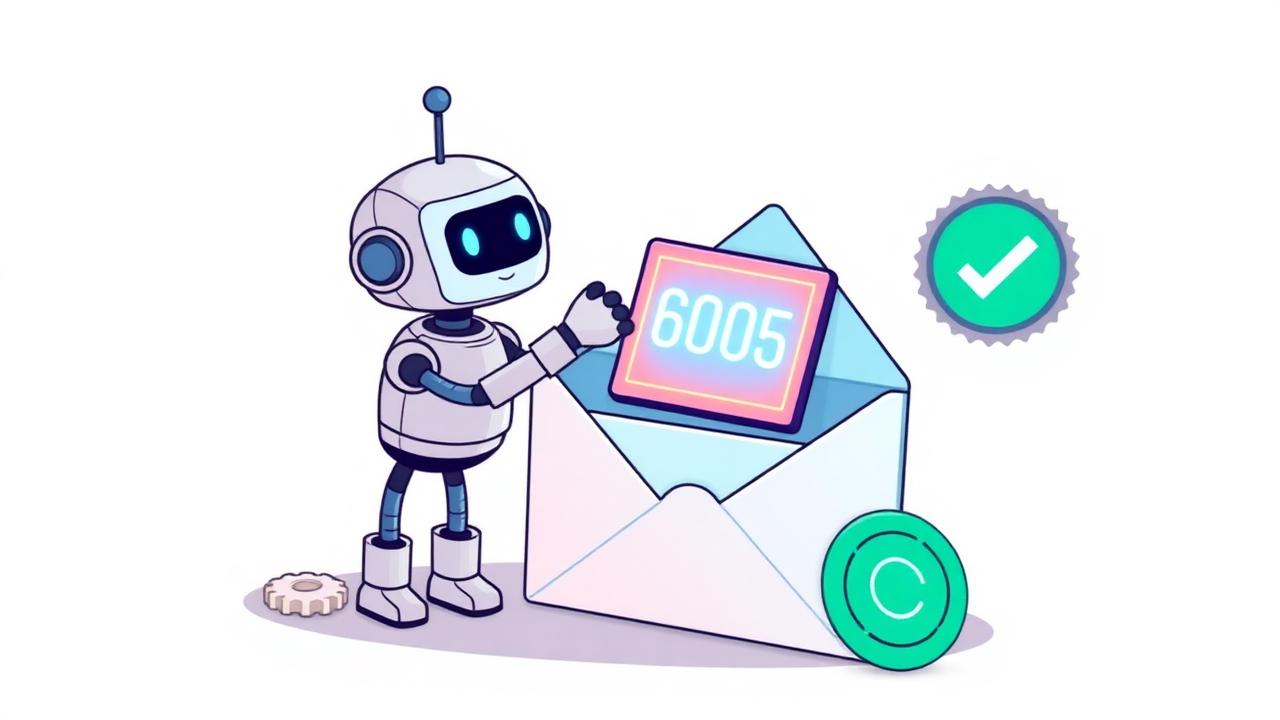
That's where a small model earns its keep. ephemail runs an extractor at delivery time and attaches the result to the message payload:
{
  "id": "msg_01HZ...",
  "subject": "Your verification code",
  "extracted": {
    "type": "otp",
    "value": "819203",
    "confidence": 0.98
  }
}
You stop maintaining a parser. You read a field. The same extractor handles magic links — it picks the action URL and ignores the unsubscribe footer.
// the wait-for-message pattern
the wait-for-message pattern
The second half of automation is timing. Email delivery is asynchronous and the latency varies — usually under a second, occasionally five.setTimeout(5000) is the wrong answer twice: it's too slow on a happy day and too fast on a bad one.
The right answer is a long-poll endpoint that blocks until a matching message arrives or a timeout fires. ephemail exposes it as waitForMessage with a filter:
POST /v1/wait-for-message
{
  "address": "qa-stg-checkout@ephemail.io",
  "subjectContains": "verification code",
  "timeoutMs": 30000
}
On the server, it subscribes to the inbox stream and returns the moment a message matches. No polling loop in your test. No fixed sleep.
// code samples
code samples
javascript / playwright
import { test, expect } from "@playwright/test";
import { Ephemail } from "@ephemail/sdk";

const mail = new Ephemail({ apiKey: process.env.EPHEMAIL_KEY! });

test("signup flow extracts otp", async ({ page }) => {
  const inbox = await mail.createAddress();

  await page.goto("/signup");
  await page.fill('[name="email"]', inbox.address);
  await page.click('button[type="submit"]');

  const msg = await mail.waitForMessage({
    address: inbox.address,
    subjectContains: "verification code",
    timeoutMs: 30_000,
  });

  // no regex — read the extracted field
  expect(msg.extracted?.type).toBe("otp");
  await page.fill('[name="code"]', msg.extracted!.value);
  await page.click('button[type="submit"]');

  await expect(page).toHaveURL("/welcome");
});
python / pytest
import os
from ephemail import Ephemail

mail = Ephemail(api_key=os.environ["EPHEMAIL_KEY"])

def test_magic_link_login(page):
    inbox = mail.create_address()

    page.goto("/login")
    page.fill('[name="email"]', inbox.address)
    page.click('button[type="submit"]')

    msg = mail.wait_for_message(
        address=inbox.address,
        subject_contains="sign in",
        timeout_ms=30_000,
    )

    assert msg.extracted.type == "magic_link"
    page.goto(msg.extracted.value)
    assert page.url.endswith("/dashboard")
Both samples use the same shape: spin up an address, trigger the flow, await the message, read the extracted field. No mailbox cleanup — the address auto-expires.
// flaky-test pitfalls
flaky-test pitfalls
- reusing one inbox across tests. Parallel tests see each other's mail and grab the wrong code. Create a fresh address per test.
- matching on a stale code. If your flow can resend, an older verification email might still be in the inbox. Filter by
receivedAfter(or by a unique correlation ID you embed in the subject) instead of just "first match". - following the wrong link. Transactional emails contain an unsubscribe link too. A naive "first
https://" extractor will eventually unsubscribe you mid-test. Use the typedmagic_linkfield or scope your selector to the CTA. - silent timeouts. Default
timeoutMstoo low → flaky on cold-start environments. Too high → a real outage takes ten minutes to surface. 30 seconds is a good starting point; tune per environment. - HTML-only templates without a text part. Some servers strip HTML, leaving you with nothing to parse. Always prefer the provider's parsed/extracted field over rolling your own.
// key takeaways
key takeaways
- Use one disposable address per test — never share an inbox across parallel runs.
- Replace
setTimeoutwith a long-pollwaitForMessagefiltered by subject or correlation ID. - Skip the regex graveyard: read a typed
extractedfield so a template redesign doesn't break CI. - Set a 30s timeout, scope link selectors to the CTA, and filter by
receivedAfterto avoid stale codes. - Auto-expiring inboxes mean no cleanup step and no permanent record of test data.
spin up a throwaway inbox in a browser tab — same address works in your tests. try it →
Disposable inboxes are for testing software you control. When testing against third-party providers, follow their terms of service.

Amine builds ephemail and writes about email plumbing, developer tooling, and the small annoyances of testing software.